What PURE changes
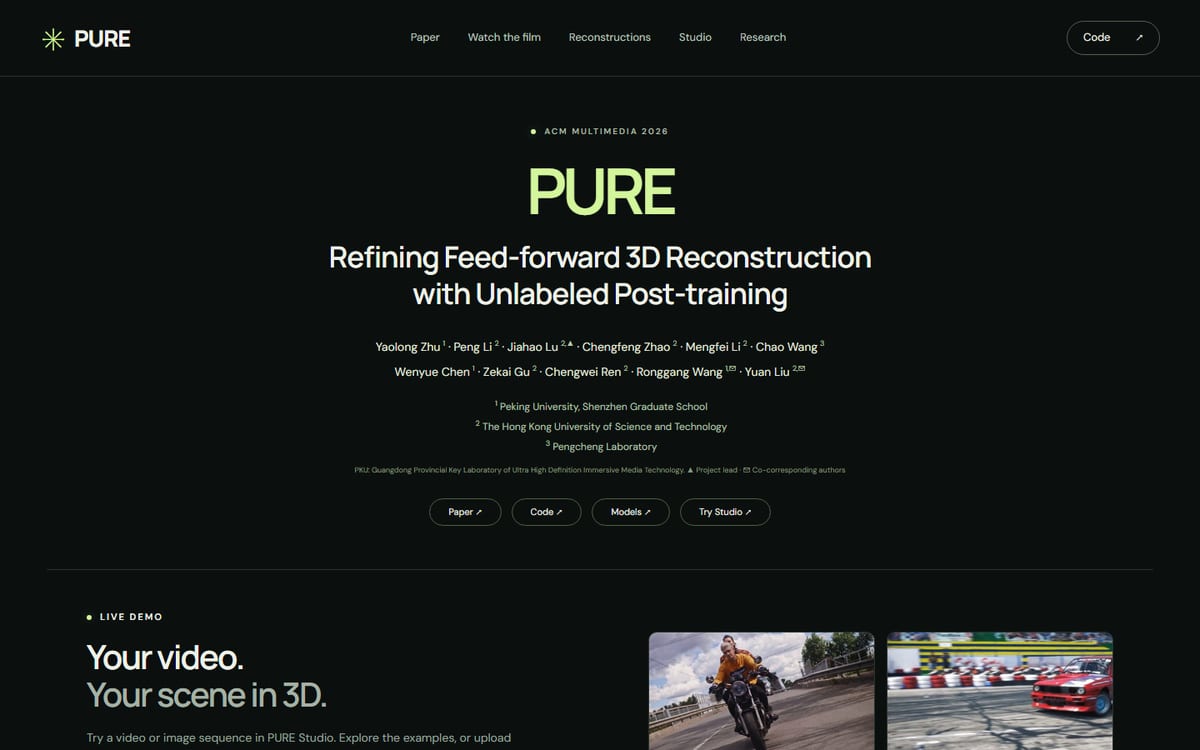
PURE uses unlabeled videos to post-train feed-forward 3D reconstruction models. Its complementary cues include monocular depth, dynamic masks and cross-frame matches, applied to Pi3, Depth Anything 3 and VGGT. The project links code, weights and a Studio demo. This is reconstruction from observed scenes, not world generation from a text prompt.
Read the demonstration's operating conditions
The showcased 2,000-frame reconstruction combines overlapping clips offline. The authors distinguish it from live causal reconstruction and acknowledge seams and moving-subject ghosting. Smooth playback is a presentation of results, not a measurement of processing incoming frames. Keep playback speed, inference speed and latency separate. The transparency about remaining defects is useful evidence when deciding what to test on your own footage.
Design a motion-sensitive comparison
Our proposed evaluation uses a stationary camera, a moving camera and a moving subject as separate cases. Include repeated views of a surface with known texture and shape. Check spatial position when the subject moves or becomes occluded. Retain input video and settings so later results use the same observation, rather than a more favorable clip. Start short enough that a person can inspect every frame and identify where the first failure appears.
Inspect geometry instead of only the fly-through
A rendered camera path can make noisy geometry appear stable. Inspect overhead views and regions around thin or reflective objects. Look for doubled surfaces, trails and background drift. Separate foreground motion errors from static-scene misalignment. Decide which defects block the intended task; tolerances for an illustrative visualization differ from measurement or navigation. Keep close-up views of failures alongside the overall reconstruction.
Compare backbones with a fixed budget
Use identical frames, resolution and hardware when comparing a baseline with a post-trained version. Record preprocessing and export time alongside inference. Check whether one setup receives extra masks, frames or information that the other lacks. A useful report retains failed clips and memory use. One selected scene cannot establish a broad improvement across your own recordings. Plan the test set before seeing which scenes produce attractive results.
An honest first use
Begin with a short, non-sensitive clip and a documented checkpoint. Confirm that the workflow exports usable geometry before attempting a long video. Review code, model and input-media terms separately; a project page does not automatically grant reuse rights over its demonstration footage. FyreLinkz has not run an independent reconstruction benchmark. These are proposed evaluation methods, and a future test should publish configuration, processing times and rejected outputs rather than implying the demo is a measured production service.
Keep capture conditions comparable
Record whether footage contains motion blur, exposure changes, repeated textures or cuts, and use the same preprocessing for every model in the trial. Those conditions can explain a reconstruction failure more directly than the model name alone. If footage must be excluded, document the rule before selecting examples. An honest evaluation can conclude that the workflow is useful only within a narrow capture setup rather than presenting that setup as universal.
Frequently asked questions
Is PURE text-to-3D generation?
No. PURE refines feed-forward reconstruction from observed video.
Does the long demo prove real-time processing?
No. The project describes offline temporal accumulation rather than live causal reconstruction.
What should a comparison retain?
Keep identical frames, configuration, checkpoint, hardware, exports, failures and processing times.
Sources & further reading
Primary sources checked Oct 25, 2026. Vendor statements are attributed; editorial advice is our own.
- 1PURE method and demo provenance ↗PURE researchers
Help us keep this useful. Report a factual correction →