What the 1.0 release does
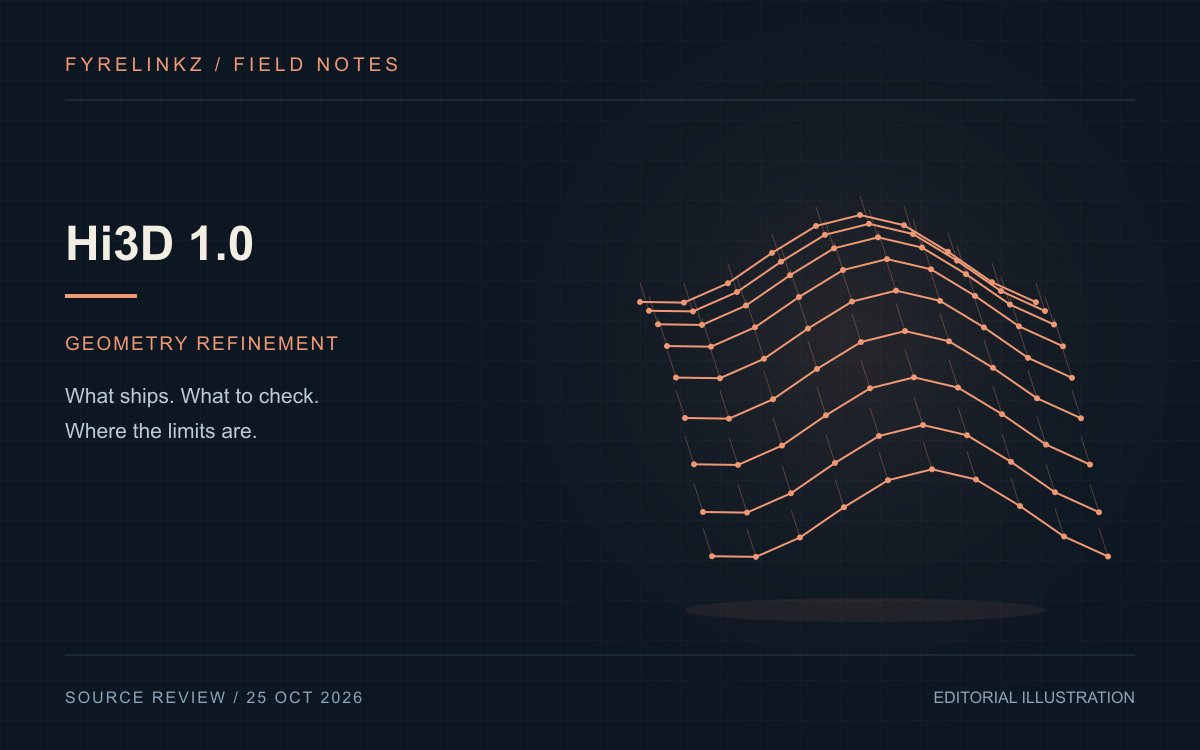
The repository describes refining a coarse mesh using a reference image of the same object. It provides inference code and artifacts, not training code or an evaluation harness. Output is geometry only. The announcement separately promotes v3.0; its texture and resolution claims must not be attributed to the 1.0 download.
Choose a mesh with known defects
For an editorial evaluation, choose an object you can inspect from several directions. Keep a source mesh with clearly identified defects and a matching photograph. Mark which defects should improve and which structural properties must survive. Review hidden angles as well as the reference angle. A convincing silhouette can conceal invented cavities, disconnected surfaces or unstable thin parts. The baseline mesh should remain available for an honest comparison.
GPU feasibility needs more than file size
Hi3D documents Linux, CUDA and NVIDIA kernel dependencies, with no CPU inference path. Its measured high-resolution stack used a 96 GB H20; feasibility on smaller GPUs is not established there. Nominal sparse extraction grids reach 1536 cubed. Output is normalized, so original world coordinates and absolute scale are not retained. These are integration constraints even when visible geometry looks promising.
Assess downstream usability separately
Inspect surface normals, disconnected components, narrow gaps and the effect of conversion or simplification. A game asset, a visualization and a manufacturing workflow have different acceptance rules. Define those before generating results. Do not equate nominal extraction resolution with dimensional accuracy or clean topology. Add cleanup time to your assessment and retain the version that actually passes the destination application's checks, rather than the most detailed render.
Reproducibility means retaining the configuration
Save the input mesh, reference image, artifact revision, resolution, seed, scheduler settings and runtime versions. Compare meshes geometrically rather than expecting identical files from a seed. Keep warnings and failed requests. When a requested resolution cannot be reached, investigate the reported condition rather than presenting a lower-resolution mesh as though it met the brief. Photographing the final render alone leaves too little evidence for another user to reproduce the result.
Review the custom license by component
Hi3D-owned materials use the Hi3D Open License Agreement 1.0 while original and third-party portions retain applicable terms. Do not describe the whole bundle as unrestricted Apache software. Check the agreement and dependency notices for the exact distribution or hosted service you intend. This explanation contains no independent mesh benchmark, memory measurement or legal determination. Its practical recommendation is to verify one complete input-to-export path before committing to production.
Use an export acceptance sheet
Before a larger trial, open one exported mesh in the exact destination application. Check orientation, unit assumptions, object count and whether a downstream modifier behaves as expected. Save screenshots of both successful and failed imports. If manual repair is required, include that effort in the workflow comparison. This does not establish engineering fitness or manufacturing safety; those require their own domain-specific checks and should never be inferred from surface detail.
Frequently asked questions
Does Hi3D 1.0 generate textures?
The official inference repository describes geometry-only output without textures, materials or vertex colors.
Does the core pipeline need a coarse mesh?
Yes. It takes a reference image and a coarse mesh; a coarse generator is a separate step.
Can v3.0 claims be applied to version 1.0?
No. Use version-specific documentation for the downloadable 1.0 release.
Sources & further reading
Primary sources checked Oct 25, 2026. Vendor statements are attributed; editorial advice is our own.
- 1
- 2
Help us keep this useful. Report a factual correction →