What Ideogram Vector actually offers
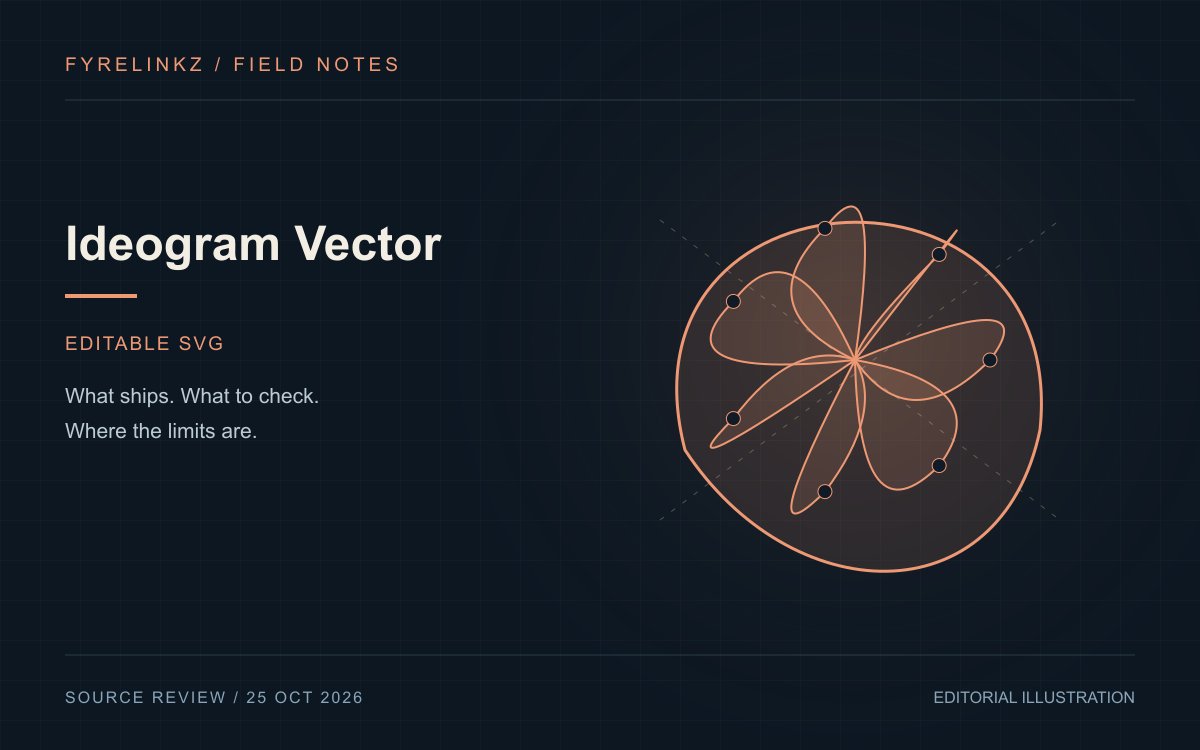
Ideogram describes prompt-to-vector and image-vectorization workflows that produce scalable, editable SVG artwork. Its examples include logos, illustrations and print designs. Individual shapes and colors can be adjusted after generation. These are vendor-described capabilities; FyreLinkz has not independently tested export quality, editing performance or print production.
SVG is a structure, not just a sharp preview
A raster image stores a grid of pixels. A vector document describes shapes that an editor can redraw at different sizes. For production, the practical question is whether those shapes are organized well enough to change. A file containing hundreds of tiny fragments may look fine and still be difficult to recolor or cut. Inspect the actual download in your intended editor instead of judging only the website preview.
| Check | Why it matters | Suggested inspection |
|---|---|---|
| Path structure | Editing and plotter complexity | Select and recolor one meaningful object |
| Typography | Spelling and portability | Read every character and check font dependence |
| Small-size detail | Icon and label legibility | Inspect a thumbnail and a large export |
| Embedded assets | A nominal SVG can still contain raster content | Inspect links and embedded image elements |
A reproducible first project
Start with a fictional cafe badge using an invented name, three specified colors and one simple botanical shape. Keep the brief short enough that a reviewer can check every requirement. Save the original prompt, the exported file and a screenshot from the editor. Request one revision that changes only the palette; compare whether geometry and lettering remain stable. This is a proposed evaluation, not a report of successful results.
- Check spelling manually before publishing.
- Test a recolor without regenerating the whole design.
- Export to the final format and reopen it.
- Record time spent fixing the result, including rejected attempts.
Print, licensing and brand use remain separate
A scalable file is not automatically print-ready. Confirm dimensions, bleed, stroke expansion, color conversion and any supplier-specific requirements with the printer. Likewise, an attractive generated logo does not establish trademark clearance or exclusive rights. Review the service terms applicable to your plan and investigate existing marks before commercial use. Do not substitute a model-generated visual for a legal clearance process.
When a raster workflow still makes sense
Photographic material, textured paintings and complex lighting often need a different production path from clean signage or icons. Choose the output format based on the final use, then compare editing time and accepted results. Our MOSS-Image coverage may be relevant to image layout; if that route changes, use the News index to find current image-model guides. A vector tool should earn its place by reducing real work, not simply by returning an SVG extension.
Frequently asked questions
Does Ideogram Vector export SVG?
The official page describes scalable, editable SVG artwork from prompts or existing images.
Does SVG guarantee a print-ready logo?
No. Inspect paths, typography, dimensions, color handling and your printer's requirements; branding also needs separate rights checks.
Has FyreLinkz benchmarked Ideogram Vector?
No. This is a sourced explainer with a proposed export and editing evaluation.
Sources & further reading
Primary sources checked Oct 25, 2026. Vendor statements are attributed; editorial advice is our own.
- 1
Help us keep this useful. Report a factual correction →