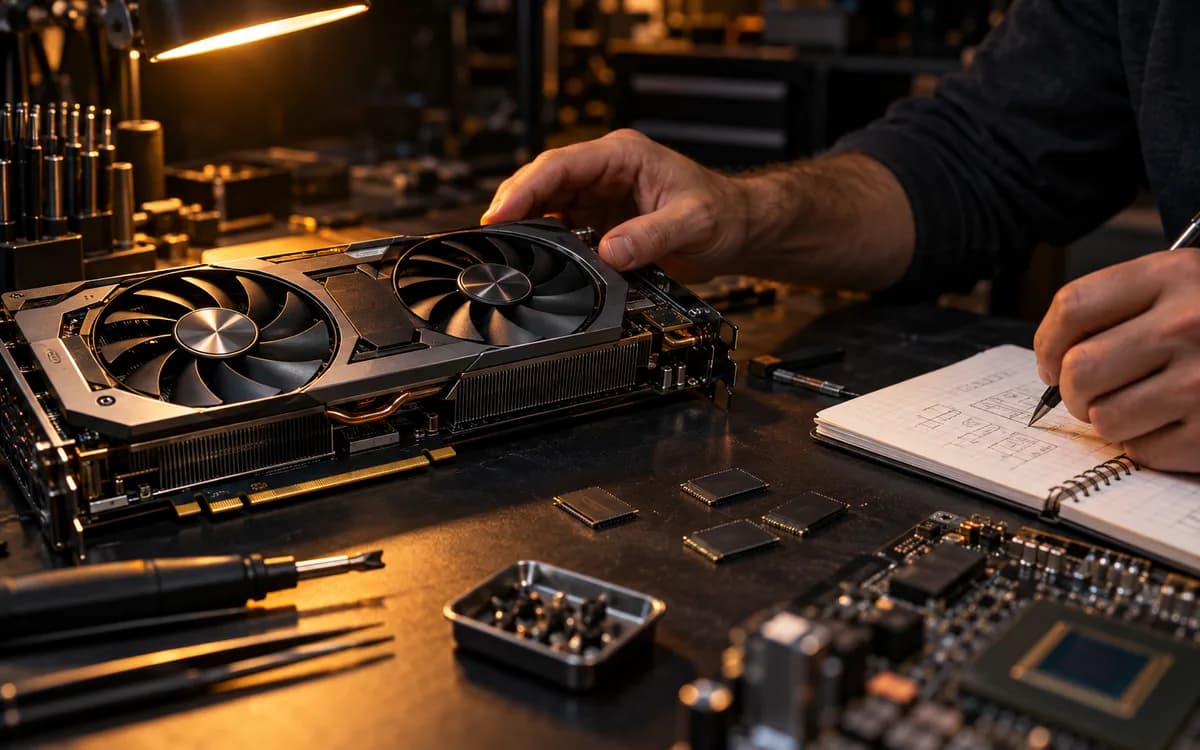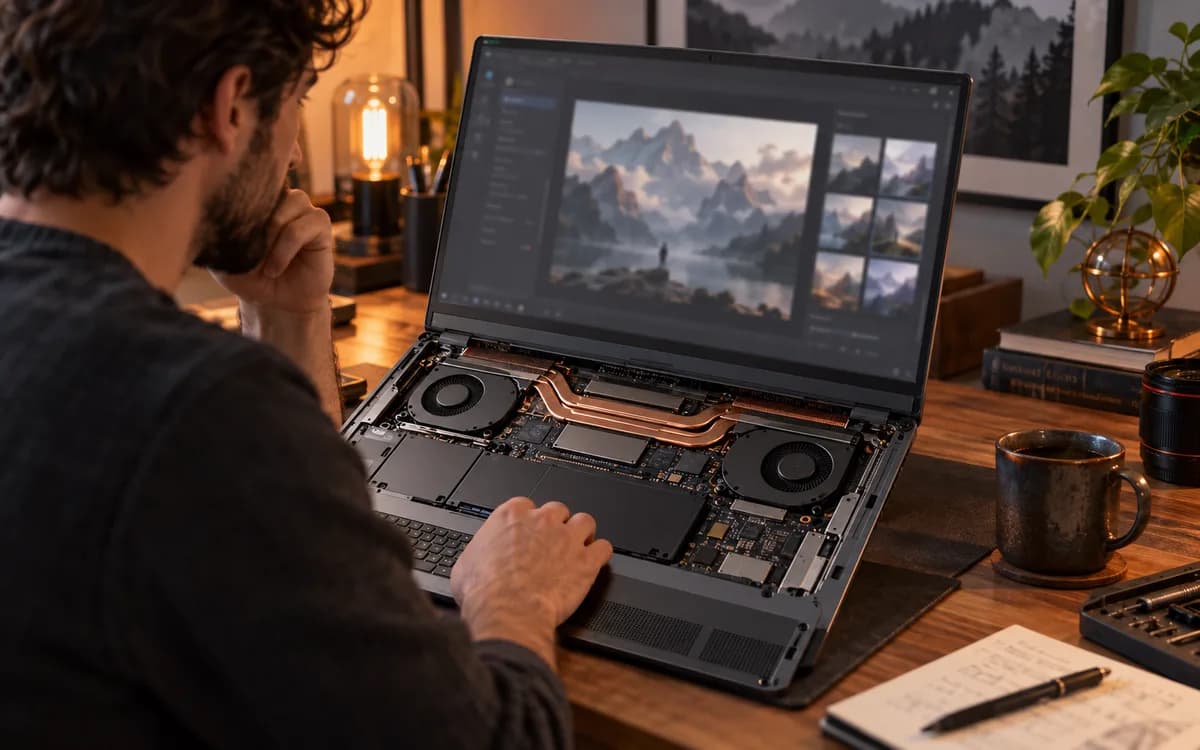
Direct Answer: An RTX 4050 laptop GPU provides strictly 6GB of GDDR6 VRAM, with roughly 4.8GB usable after Windows display overhead. It runs 3B models (Llama 3.2 3B, Qwen 2.5 3B) entirely in GPU memory at over 45 tokens per second. An 8B model at Q4_K_M fits only with a constrained 2,048 context; larger contexts spill into system RAM, dropping generation speed below 10 tokens per second.
Start here
Intended reader: Developers, students, and researchers with an RTX 4050 laptop looking for a dependable local coding or reasoning assistant. Practical outcome: A working Ollama and llama.cpp setup configured to run models entirely in GPU memory without triggering thermal throttling or PCIe memory thrashing. An RTX 4050 laptop is one of the most affordable modern Ada Lovelace machines available, but its 6GB VRAM pool requires strict memory discipline.
The 6GB physical VRAM ceiling: what actually fits
NVIDIA specifies the mobile RTX 4050 with strictly 6GB of GDDR6 on a 96-bit bus, delivering 192 GB/s bandwidth. Unlike desktop graphics cards where displays can be driven by a secondary monitor card or integrated CPU graphics, laptop displays and Windows Desktop Window Manager (DWM) typically claim 800 MB to 1.2 GB of VRAM. That leaves approximately 4.8 GB of true usable VRAM for model weights and KV cache.
3B versus 8B models: speed and context trade-offs
When model weights and context exceed physical VRAM, inference engines offload unallocated layers to system DDR5 RAM across the laptop’s PCIe 4.0 x8 interface. System RAM bandwidth (roughly 40–60 GB/s) is three to four times slower than onboard GDDR6 (192 GB/s). As soon as an 8B model spills even a few layers to system RAM, token generation speed collapses from ~28 tokens/sec down to 6–10 tokens/sec.
| Model & Quantization | File Size (Disk) | Active VRAM Footprint | Context Ceiling | Observed Tokens/Sec |
|---|---|---|---|---|
| Llama 3.2 1B (Q4_K_M) | ~1.3 GB | ~1.8 GB with context | 32,768 tokens | ~80–95 t/s (Instant response) |
| Qwen 2.5 3B (Q4_K_M) | ~2.0 GB | ~2.8 GB with context | 16,384 tokens | ~45–60 t/s (Optimal sweet spot) |
| Llama 3.2 3B (Q4_K_M) | ~2.2 GB | ~3.0 GB with context | 16,384 tokens | ~42–55 t/s (Fast & high quality) |
| Llama 3.1 8B (Q4_K_M) | ~4.9 GB | ~5.8 GB (Borderline) | 2,048 tokens max | ~22–26 t/s (Drops to 8 t/s if context expands) |
| Qwen 2.5 7B (Q3_K_M) | ~4.2 GB | ~5.2 GB (Tight fit) | 4,096 tokens | ~18–24 t/s (Acceptable coding assistant) |
Laptop power profiles and thermal throttling
RTX 4050 laptop TGPs range from 35W in ultraportables to 115W in full-sized gaming chassis. During sustained prompt evaluation (processing long input documents), laptop fans ramp up and GPU temperatures can hit 75°C–80°C, causing the GPU boost clock to back down. For quiet, cool daily operation, 3B models keep GPU power draw under 45W, preventing thermal throttling during extended coding sessions.
Step-by-step Ollama setup with context clamping
By default, Ollama may allocate a large context window or run multiple parallel request slots, which immediately exhausts 6GB VRAM. Follow this step-by-step checklist to configure a lean, crash-free mobile environment:
- Set environment variable OLLAMA_NUM_PARALLEL=1 to prevent concurrent worker memory allocation.
- Create a custom Modelfile setting PARAMETER num_ctx 4096 (or 8192 for 3B models) instead of default unconstrained context.
- Set PARAMETER num_gpu 999 to instruct the runtime to load all layers onto the RTX 4050.
- Verify GPU memory consumption using "nvidia-smi" while running test prompts.
- If background VRAM usage exceeds 1.5GB, close hardware-accelerated browser tabs during inference.
Limitations and when to consider cloud rental
An RTX 4050 laptop is ideal for terminal assistants, local code completion, and drafting emails privately. It is not suitable for running 14B or 70B parameter models, continuous multi-turn RAG over hundreds of PDFs, or local fine-tuning. If your task requires a 70B reasoning model or extensive batch evaluation, rented GPU instances (such as RunPod or Vast.ai) or hosted API endpoints remain vastly more economical than upgrading a laptop chassis.
Try this next
Want to optimize memory further? Learn how to compress KV cache and choose exact GGUF quants in our guide to reducing local LLM VRAM usage.
Sources & further reading
Primary sources checked Sep 22, 2026. Vendor statements are attributed; editorial advice is our own.
- 1
- 2
- 3
Help us keep this useful. Send a correction or a primary source →