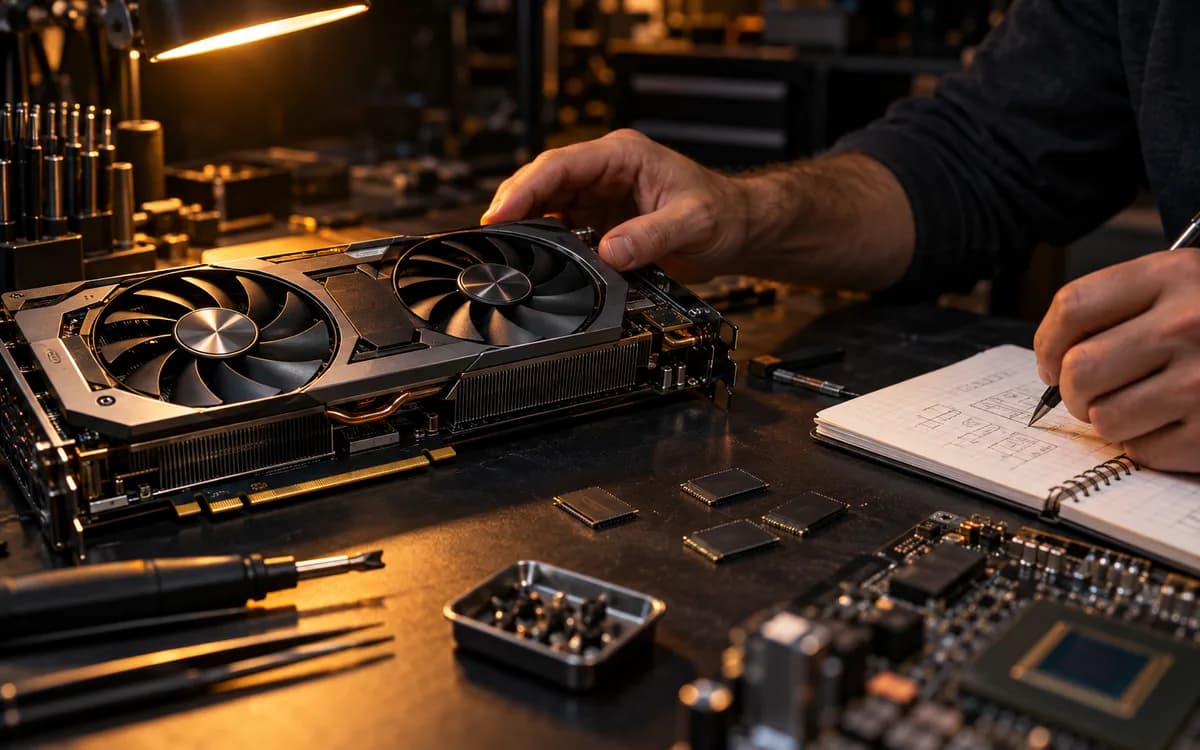
Direct Answer: For local AI in 2026, VRAM capacity strictly determines what models you can run without system slowdowns. 16GB (RTX 4070 Ti Super) is the minimum baseline for quantized FLUX and 8B LLMs; 24GB (RTX 3090 / 4090) is the sweet spot for full-fidelity diffusion and 14B–32B models; running two GPUs splits workloads across processes but does NOT merge VRAM into a single memory pool for standard ComfyUI runs.
Start here
Intended reader: Creators and developers building a dedicated local machine for generative image/video diffusion and local LLM inference. Practical outcome: A hardware dimensioning worksheet covering VRAM, PCIe lane bifurcation, power headroom, and system RAM ratios. A graphics card can look perfect on a specification sheet and still be wrong for the model you want to run. Before building a shopping cart, write down your actual workflow, output size and waiting-time limit.
Specify the workload first
List the exact model, precision, context or image dimensions, and concurrency you expect. A workstation for one image at a time has a different budget from one serving several long conversations. Ask whether the software loads your intended configuration and whether its measured throughput meets the job.
Capacity and speed answer different questions
NVIDIA lists the RTX 4090 with 24 GB of GDDR6X memory. Capacity is a useful constraint, not evidence that every 24 GB workflow performs equally well. Account for runtime memory beyond stored weights. Do not compare cards using a model-size number alone.
| GPU Model | VRAM & Bus | Memory Bandwidth | TDP / Power | Workload Sweet Spot |
|---|---|---|---|---|
| GeForce RTX 4070 Ti Super | 16 GB GDDR6X (256-bit) | 672 GB/s | 285W | Budget FLUX FP8 / SDXL / 8B LLMs with 8k context |
| GeForce RTX 3090 (Used) | 24 GB GDDR6X (384-bit) | 936 GB/s | 350W | Most cost-effective 24GB entry point for heavy ComfyUI graphs |
| GeForce RTX 4090 | 24 GB GDDR6X (384-bit) | 1,008 GB/s | 450W | Fastest consumer batch inference & local video diffusion |
| Dual RTX 3090 / 4090 | 48 GB (2x 24 GB discrete) | 1,872–2,016 GB/s total | 750W–900W total | Local LLM tensor parallelism (vLLM / Ollama 70B Q4) |
Offloading is a software strategy
Hugging Face Accelerate documents distributing large-model weights across GPU, CPU and disk when needed. Placement lets a workload use several memory tiers; it is not the same as giving one GPU a larger allocation. The actual framework and model must support your plan.
Before buying a second GPU
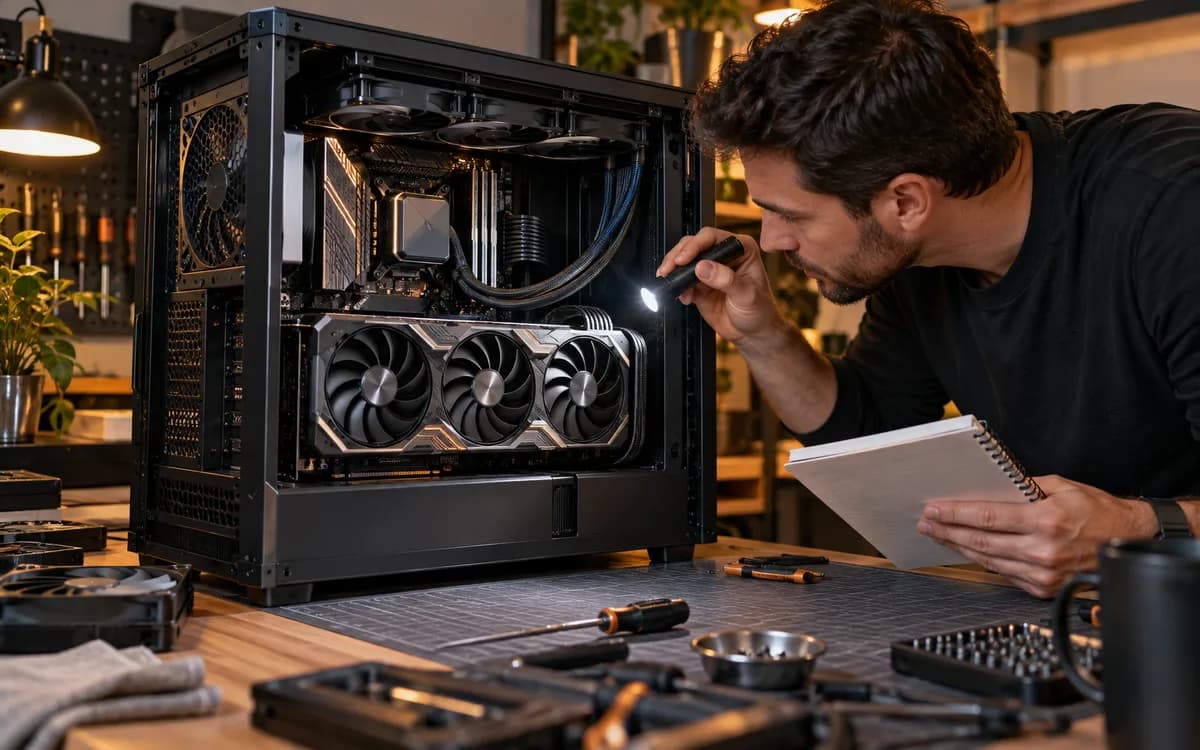
Treat a dual-card machine as an integration project. Start with the inference engine and end with the physical build. Do not buy an interconnect on the assumption that its presence makes every model use both cards.
- Confirm application support for the required multi-GPU mode.
- Check motherboard slot spacing and electrical lane allocation.
- Use the card maker's power, connector and clearance requirements.
- Allow airflow around both cards and the rest of the system.
- Find a repeatable result for the exact configuration, or test comparable rented hardware.
Budget for a month of real work
Compare acquisition cost, electricity, storage and maintenance time with the cloud spend you expect to avoid. For a small irregular workload, ownership may save less than a headline hourly comparison suggests. For a repeatable daily workload, measure utilization and accepted output. This guide makes no benchmark or payback-period claim.
A purchase checklist you can actually use
Bring a written workload to the purchase decision: required files, supported runtime, a known working command or graph, expected volume and an acceptable turnaround. Check current local prices and warranty terms. Keep enough budget for the supporting machine instead of spending everything on a card that the rest of the system cannot accommodate.
- Verify System RAM is at least 2x your GPU VRAM (minimum 32GB–64GB DDR5 for model swapping).
- Check PSU capacity has at least 150W headroom above total system peak load (850W for single 4090, 1200W+ for dual).
- Ensure motherboard supports PCIe 4.0/5.0 x8/x8 bifurcation if planning dual-GPU expansion.
- Choose NVMe storage with at least 2TB Gen4 capacity for fast checkpoint loading (3–5 GB/s reads).
- Measure physical GPU clearance (length, slot thickness, and 12VHPWR bend radius) in the case.
Write three workloads before making a shopping list
Use one everyday task, one demanding task and one task you might need later. Record the exact model or workflow, target output and whether simultaneous jobs are required. A machine chosen for occasional experimentation can have different priorities from one used for a daily production queue. Treat the future task as a separate budget decision rather than assuming it justifies every expensive component today. This worksheet is our planning method, not a measured hardware benchmark.
Ask for evidence you can compare
When evaluating a benchmark, look for the complete configuration and workload. Model version, precision, context length or image dimensions, batch size and software settings can change the meaning of a speed number. A result without this context is a lead for further research, not a purchase guarantee. Prefer a test you can reproduce using the same job you need to run. Keep loading time and repeated-run time separate if both affect your working day.
Make the purchase reversible where possible
Check the seller's return terms and the physical compatibility of the whole build before ordering. List case clearance, power connectors, cooling space and the expansion slots your actual configuration will use. Plan where models, project inputs and backups will live. After assembly, run the smallest known working workflow, then your everyday workload, before adding the demanding one. Record failures and actual operating costs during this trial so the next upgrade follows evidence rather than a specification headline.
Try this next
Complete the workstation around the work you do every day: check monitor readability before chasing refresh-rate numbers. Read A 4K monitor for coding: check text before refresh rate.
Sources & further reading
Primary sources checked Sep 12, 2026. Vendor statements are attributed; editorial advice is our own.
- 1
- 2Big Model Inference ↗Hugging Face
Help us keep this useful. Send a correction or a primary source →