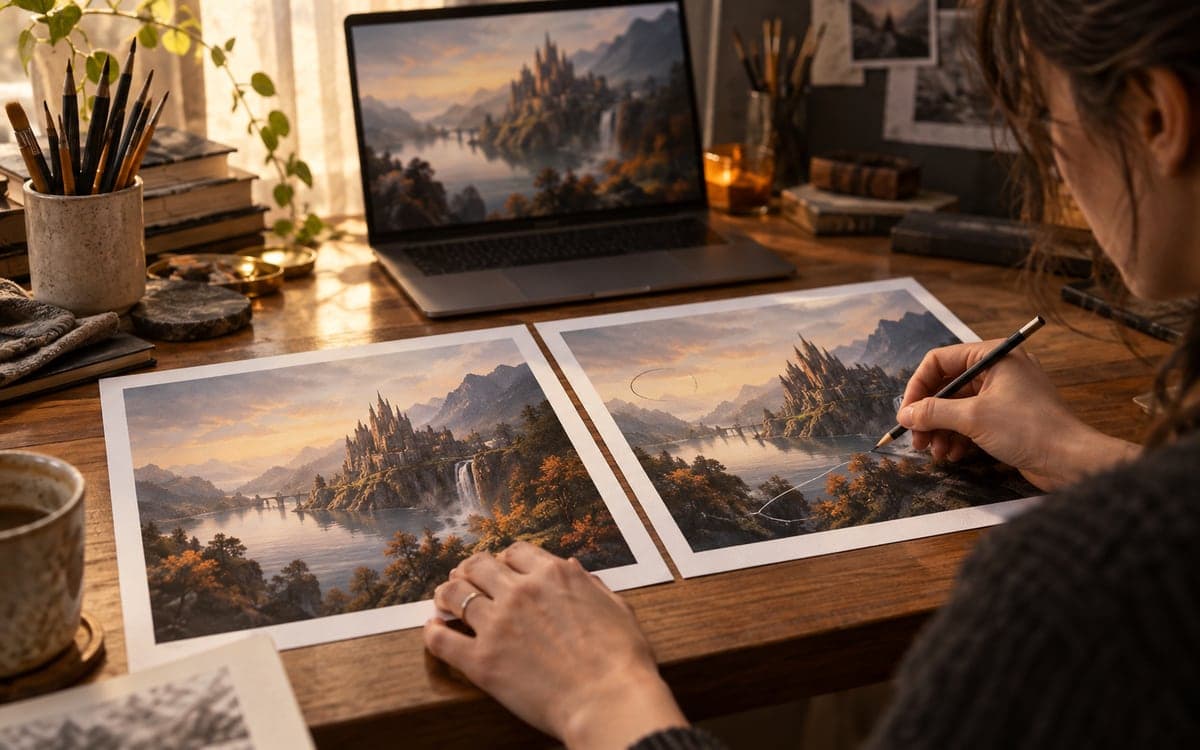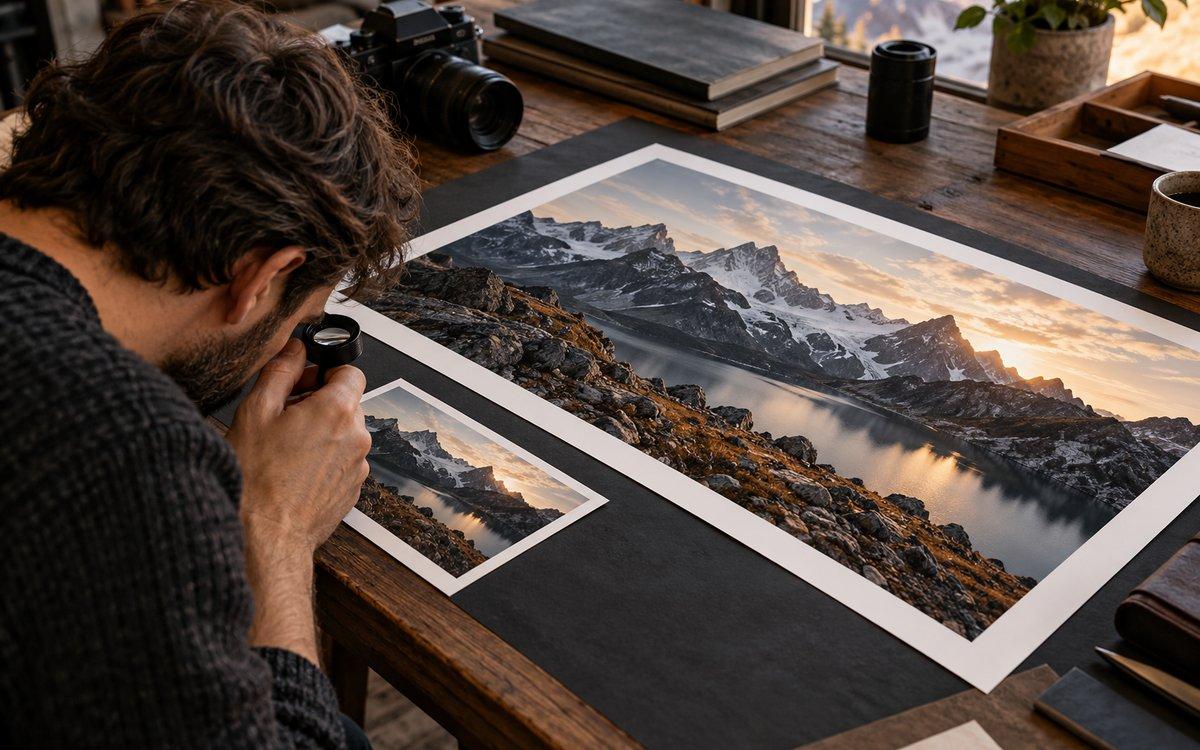
Choose the operation by what must remain unchanged. Enlarging an image and regenerating its details are different jobs. Keep the original, compare matched crops and reject altered lettering, identity or product details even when the larger version looks sharper.
What is the difference between upscaling and img2img?
Diffusers documents separate super-resolution and image-to-image pipelines. Its img2img guide explains that strength changes how much the output departs from the input: higher settings allow more change. A particular upscaler has its own controls and model assumptions; do not transfer one pipeline's strength value to another as a universal preset.
Write the preservation rule before choosing a tool
Our proposed brief is one sentence: enlarge this image for a specified output while keeping these named details unchanged. For a product picture, name the logo placement, shape and material. For an illustration, name the silhouette, expression and line work. If inventing new surface texture is acceptable, say so explicitly. A sharper-looking result can still fail that brief.
Choose a route by the job, not by the label
This table is an editorial decision aid, not a quality ranking. Test your actual image because a useful result depends on the source and the model.
| Goal | Route to evaluate | Reject when |
|---|---|---|
| Change output dimensions | Conventional resize | Edges or layout fail your delivery brief |
| Add apparent detail | Super-resolution workflow | Texture or lettering changes meaning |
| Reinterpret the image | Img2img workflow | Required identity or composition drifts |
| Prepare a final asset | Crop and export review | Wrong dimensions or visible artifacts remain |
Run a matched-crop comparison
Keep an untouched original and name each output with the method and settings. Inspect the same regions at the same display scale: fine type, repeated edges, hair or foliage and flat gradients. Then inspect the complete composition at its final viewing size. Our suggested test uses one conservative variant before exploring more creative changes; it is not an endorsed numeric setting.
Count pixels without calling them recovered evidence
A 1024 by 1024 image has 1,048,576 pixels. Enlarging both dimensions by two produces 2048 by 2048, or 4,194,304 pixels: four times the pixel count. That arithmetic does not establish four times the authentic detail. For documentary or evidentiary material, preserve the source and disclose edits rather than presenting generated detail as an observation.
A repeatable export checklist
Record the model version and processing choices alongside the image. For a repeatable local review, use our SDXL comparison worksheet and ComfyUI first workflow. We have not measured a winning upscaler in this article.
- Save the original separately.
- Define final dimensions and intended viewing size.
- Compare the same crops across variants.
- Check text, anatomy, edges and product identity.
- Record settings and disclose generative edits when relevant.
Frequently asked questions
Does a larger AI image contain more authentic detail?
Not necessarily. More pixels can include invented or altered detail; compare with the original.
What img2img strength preserves an image perfectly?
No universal value guarantees preservation. Evaluate the exact model, image and settings.
Did FyreLinkz benchmark these upscalers?
No. This is a sourced workflow and original review checklist, not a measured ranking.
Sources & further reading
Primary sources checked Oct 17, 2026. Vendor statements are attributed; editorial advice is our own.
- 1Diffusers image-to-image guide ↗Hugging Face
- 2Diffusers super-resolution pipeline ↗Hugging Face
Help us keep this useful. Check contact availability →