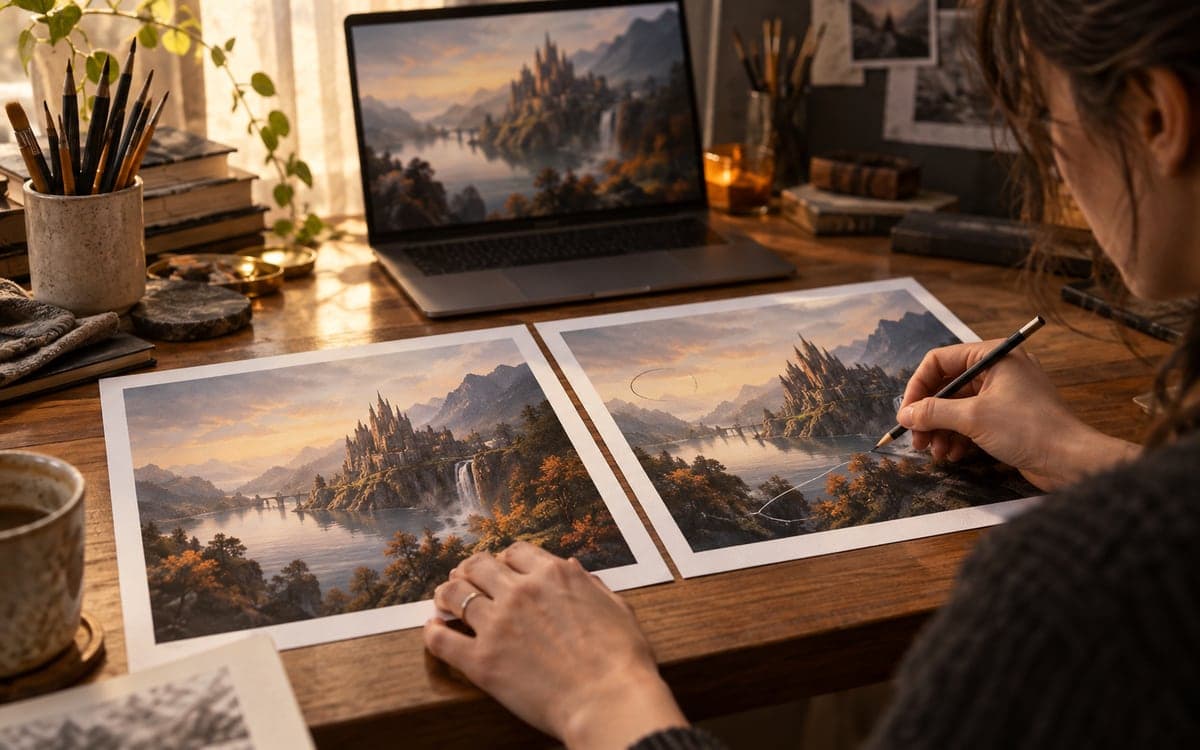
Ideogram 4.5 focuses on preserving an image while changing selected details. The useful evaluation is the untouched area after several edits, not only how attractive the newest result looks.
What the product and API pages claim
Ideogram presents 4.5 as a model for reduced drift across multiple edits. Its API overview describes Precise Edit, masks and copying untouched pixels while retaining image dimensions. The model page also demonstrates high-resolution crop editing. These are vendor descriptions and examples, not measurements by FyreLinkz. The exact feature path matters: do not assume every generation mode or request uses the same preservation behavior.
Define an edit that has a falsifiable boundary
Our suggested brief changes the color of a bag while preserving its stitching, logo, handle shape and background. Draw the permitted area and list the details that must stay intact. Review the result at the same scale as the original. If a buckle moves or lettering changes, record the failure even when the new color is excellent. This turns a vague preference into a repeatable editing decision.
Multi-turn quality needs a history
Try three deliberate changes from the same original and save every intermediate output. Our recommendation is to inspect both the newest edit and previously protected regions after each turn. A final preview can hide where drift accumulated. Keep prompts and masks alongside files, and avoid mixing a fresh generation with an edit in the same comparison without labeling it. The question is whether the workflow preserves useful detail over time, not whether one isolated output wins a beauty contest.
High resolution changes the review workload
For a print asset, inspect the edited crop boundary, texture and smallest approved text at the intended output size. Our acceptance criteria include the absence of seams and unwanted changes outside the brief. Preserve a copy of the original instead of overwriting it. For commerce, an editor must also check that the image still represents the product being sold; a plausible reconstruction of missing detail should not become an unqualified factual representation.
Keep access and rights separate from image quality
The official platform links API, creative tools and licensing information, but this article does not infer that every 4.5 artifact has unrestricted commercial terms or an established local GPU requirement. Check the precise service or downloadable artifact before integration. No generation was run here. Compare against Nano Banana 2.1 with identical masks and preservation criteria, then count accepted edits and correction time rather than relying on a vendor comparison gallery. Review the exact final file that will be published, because a later resize or crop can introduce a different defect from the generated edit.
Frequently asked questions
What does this article mean by drift?
An unwanted change to previously accepted or untouched details during an editing sequence.
How should I compare edit models?
Use the same original, permitted edit area and preservation criteria, then retain all intermediate outputs and failures.
Is a vendor gallery an independent benchmark?
No. It illustrates the provider’s claim; a controlled comparison of your own workflow needs separate evidence.
Sources & further reading
Primary sources checked Oct 11, 2026. Vendor statements are attributed; editorial advice is our own.
- 1Ideogram 4.5 model overview ↗Ideogram
- 2API overview and Precise Edit ↗Ideogram
Help us keep this useful. Check contact availability →